
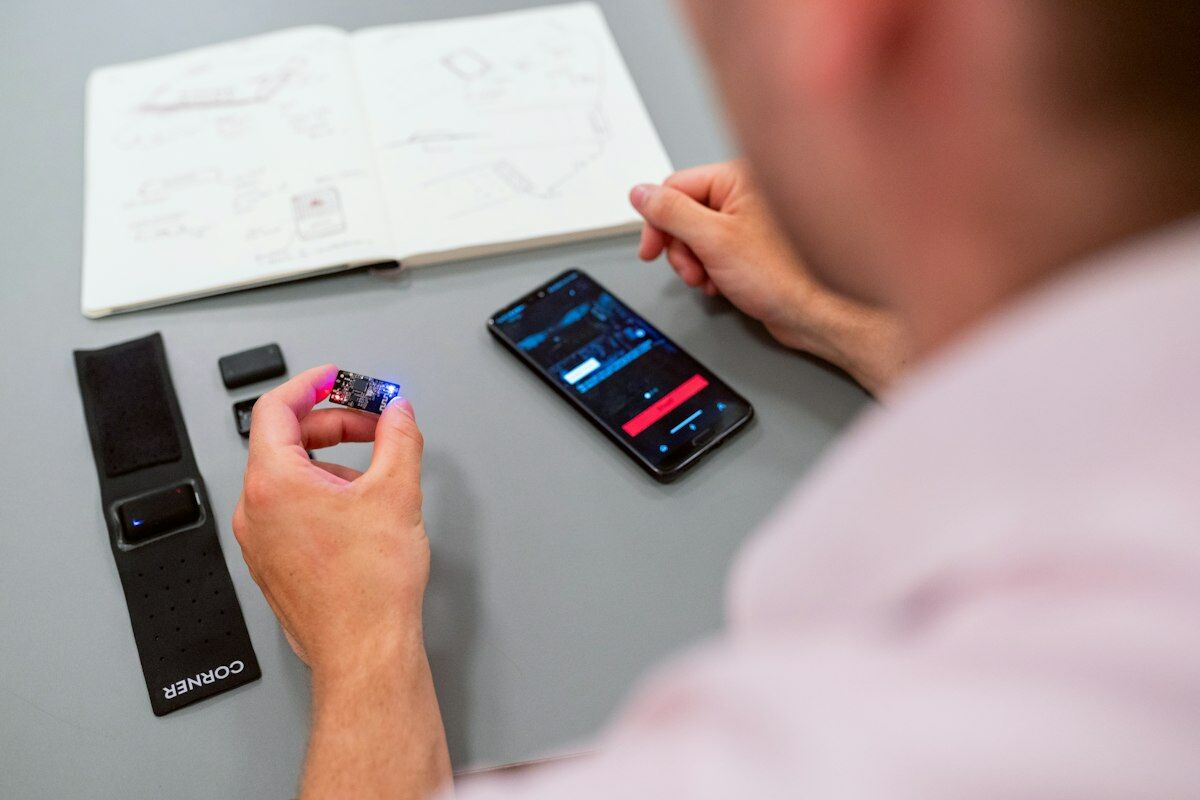
Hand your new app to someone who’s never seen it and say nothing. There’s a fair chance they’ll get stuck on something your team thought was obvious.
It happens because the people who build a product know where every button is and what every label means. Real users turn up knowing none of that. Watching a handful of them try it is about the cheapest way there is to find problems early, and it’s called usability testing. You don’t need a lab or a big budget. You need a plan, a few willing people and a team that’s prepared to sit on its hands and listen.
The US Government’s digital.gov usability testing guide describes it as watching people use a product or service while they think out loud, so you can see how they work through it. It shows how intuitive a design is and how well it fits what people need. You see where they hesitate, where they get lost and where they give up.
And you can start long before anything’s finished. The digital.gov guide notes you can test a sketch or a prototype, or even a competitor’s product to find out what’s already annoying people. Paper mockups and clickable prototypes both work. Testing early is cheaper, because changing a sketch is a lot easier than changing finished code, and then you just keep testing as the real thing takes shape.
Why the team’s opinion doesn’t count for much here
Designers and developers know too much about their own work. They read a label the way they meant it, not the way a stranger reads it. Clients and managers usually have strong views too, and you can end up going round in circles for weeks. A short session with a real user can settle it.
That doesn’t mean design principles go out the window. A list like these web design principles for business websites is a good starting point. Testing just tells you whether they actually worked for the people you’re building for. You get evidence instead of a checklist.
Setting it up
First pick what you’re testing. Go for the tasks that matter most for people reaching their goal. In an app that might be signing up, finding a setting or buying something. On a business website it might be finding a price or sending an enquiry.
Agree on the plan as a team before any sessions start. Which scenarios you’re focusing on, which users you want and how you’ll find them, who’s moderating and who’s watching. Then write a simple test script so every session runs the same way.
Write the tasks as goals, not instructions. If you ask someone to click the pricing tab, you’ve told them the answer. Ask them to find out what the basic plan costs and you’ll see whether they can find it on their own. Keep the wording plain, and try not to use the same labels that are on the screen.
The people you test with should be like the people who’ll actually use it. Friends and staff are easy to grab but they usually know too much. Try existing customers, people off your mailing list or members of a local group, and give them an easy way to sign up and a clear time slot. Before the session, explain what’s involved. The digital.gov guide suggests a participant agreement for this, covering how long it takes, whether you’re recording and how you’ll share links or files. If it’s remote, give clear instructions on screen sharing.
Include people with disability where you can. The W3C Web Accessibility Initiative says testing with disabled and older users turns up problems that conformance checks alone miss, and that it often finds general usability problems that affect everyone. It also advises including a range of people, because one person can’t speak for all users with a disability.
How many people do you need? There’s no one right number. A few well chosen people will usually show you the most obvious problems. The W3C notes that results from a small group can’t be applied to everyone, though, and small rounds done often tend to teach you more than one big study at the end.
On the day
The digital.gov guide puts each session at somewhere between 20 minutes and an hour. The moderator gets spoken permission before recording and asks the person to think aloud. Their job is to guide things along without giving away answers, which is harder than it sounds. When someone gets stuck, ask what they expected to happen. Don’t point at the screen.
Observers have a different job. They write down every problem they see in a shared issues log, and if they’ve got a question they pass it to the moderator quietly so the participant isn’t interrupted. After each session the whole team does a short debrief while it’s still fresh.
Once all the sessions are done, get everyone together and go through the issues log. Look for the problems that came up more than once and group them by the task where they happened. Then agree how the findings will shape the next round of design work.
You won’t fix everything straight away, and you don’t need to. Rank the issues by how often they happened and how badly they stopped people. A confusing label that kills sign ups matters a lot more than a colour somebody didn’t like. Fix the big ones first, then test again to check the fix worked.
Some problems will be about content rather than layout. People might not understand a heading, or they go looking for information that isn’t there. Feed that into your content strategy so the pages answer the questions people are really asking. Product pages often show the same thing, and clear product photography with good lighting can help people judge an item properly.
One thing usability testing doesn’t do is replace an accessibility audit. The W3C says involving users on its own can’t tell you whether a website is accessible, and it recommends pairing user testing with evaluation against the Web Content Accessibility Guidelines. Its guide to involving users in evaluating web accessibility goes into more detail.
If you’re doing this for clients
For web designers and freelancers, testing goes much better when it’s agreed at the start. Put it in the project scope so the client knows when sessions will happen, who’s recruiting the participants and how many rounds of changes are included. A clear service delivery agreement for web designers can cover all that and save you a scope argument down the track.
It helps with the client relationship too. Invite them to watch a session. Once they’ve seen problems for themselves, the feedback rounds often get shorter and calmer, and the conversation moves away from personal taste to what users actually did.